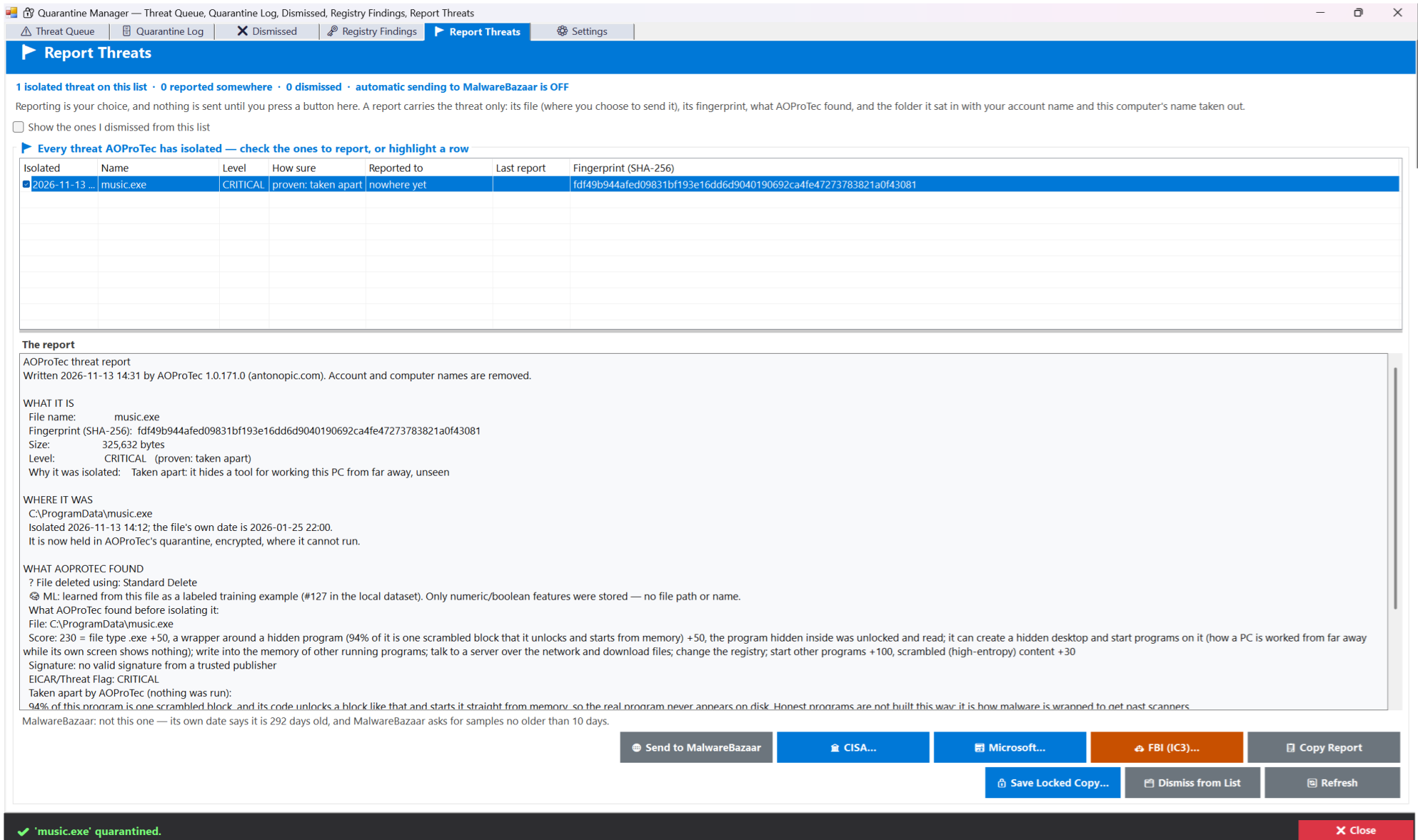
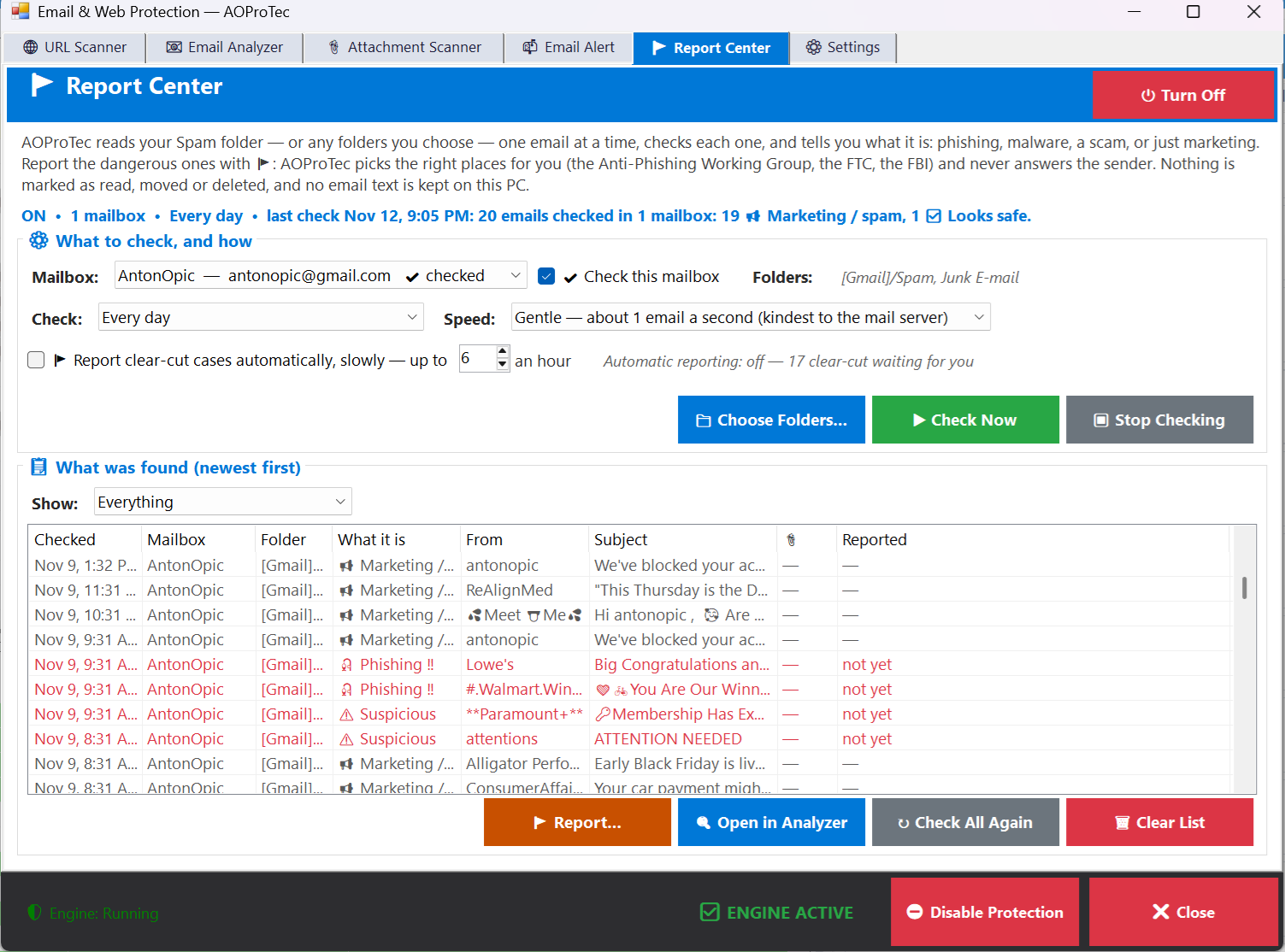
Automatic Rollback & Restore is the way back after an attack: it keeps the content of the files in your protected folders, the startup entries and security settings an attacker changes, and the hosts file, as they were at one moment. In AOProTec 1.0.201 it has a new tab, Find a File. Choose a restore point, type part of a file's name, and the list shows the file with every saved version of it. One button writes it back where it was. Another writes it under a folder you choose, so you can look at an older version beside the one you have.
Each file's content is now kept once, filed under its fingerprint, and a restore point is a list of files. A new restore point reads only the files that are new or changed. On my test laptop the first restore point of this build listed 17,175 files of 6.0 GB. They were 6,243 different contents, and they take 3.0 GB on the disk.
Documents are covered first, then pictures, then other files, the newest first. A line above the list says what the newest restore point covers and what it does not, with counts and sizes, so you can set the disk budget against real numbers.
AOProTec makes one restore point a day by itself, and one before every quarantine. A quarantine saves the startup entries and the hosts file at once, and its files afterwards in the background, so the threat leaves first. On my test laptop that first step took 136 thousandths of a second.
Select a restore point and the window says what putting it back would do, counted from the PC as it is now: how many files are the same and stay untouched, how many would be replaced, how many would come back. Whatever a restore replaces is kept first, in its own restore point, so a restore can itself be undone. A saved copy is checked against its fingerprint before it is used.
The restore points and the saved content are open only to Windows and to administrators, and Tamper Protection reports any other program that changes them.
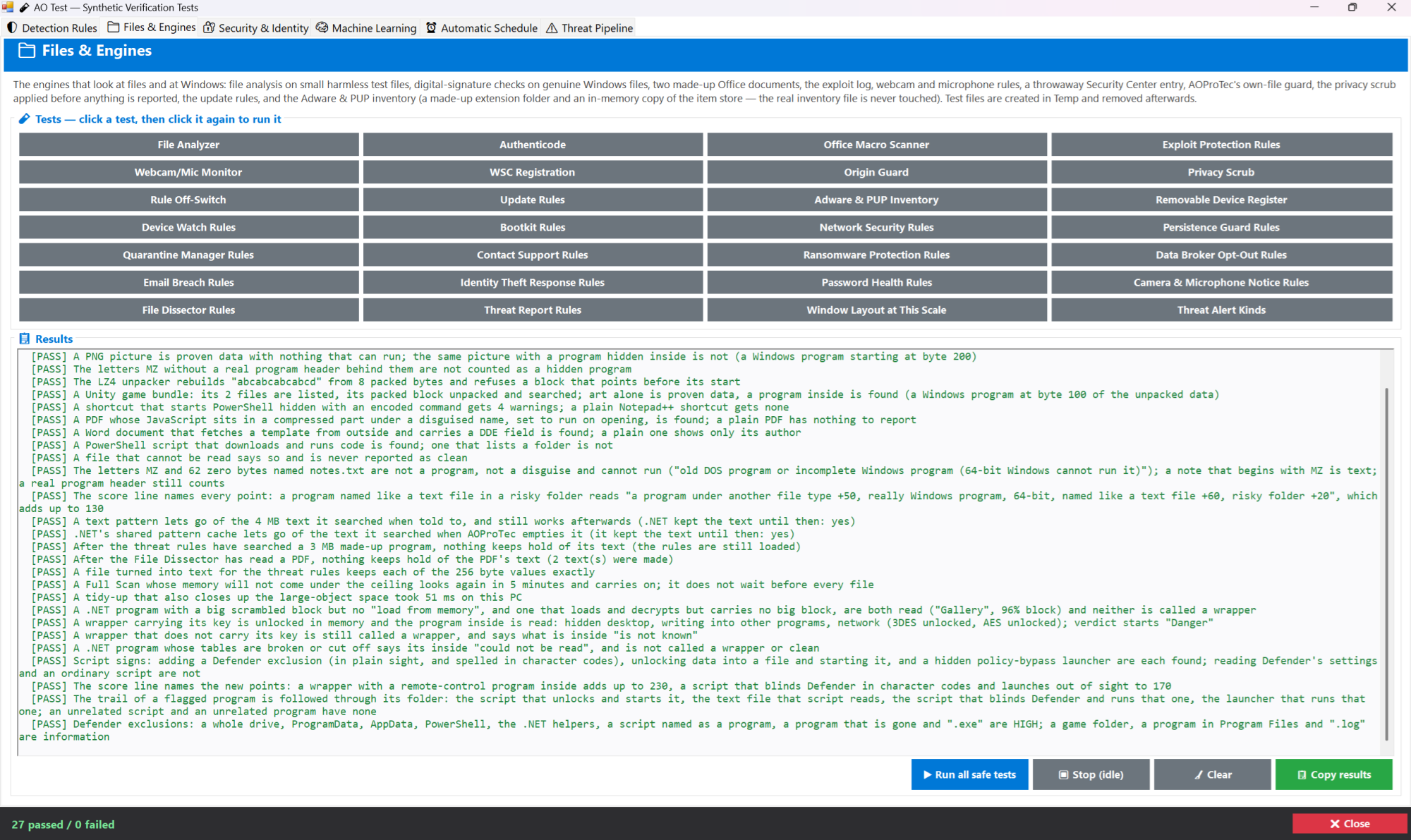
Before it was signed, this build ran AOProTec's own tests inside the real program on my laptop: 1,860 passed, 0 failed.